Spotaro logo Spotaro

Organize Events. Fill every Spot.

Spotaro is the platform for planning Events and managing people across limited Spots — cars, rooms, teams, and more. Browse what’s on, create Spaces, approve requests, and keep everyone aligned — on the web, with native Telegram integration when you want it.

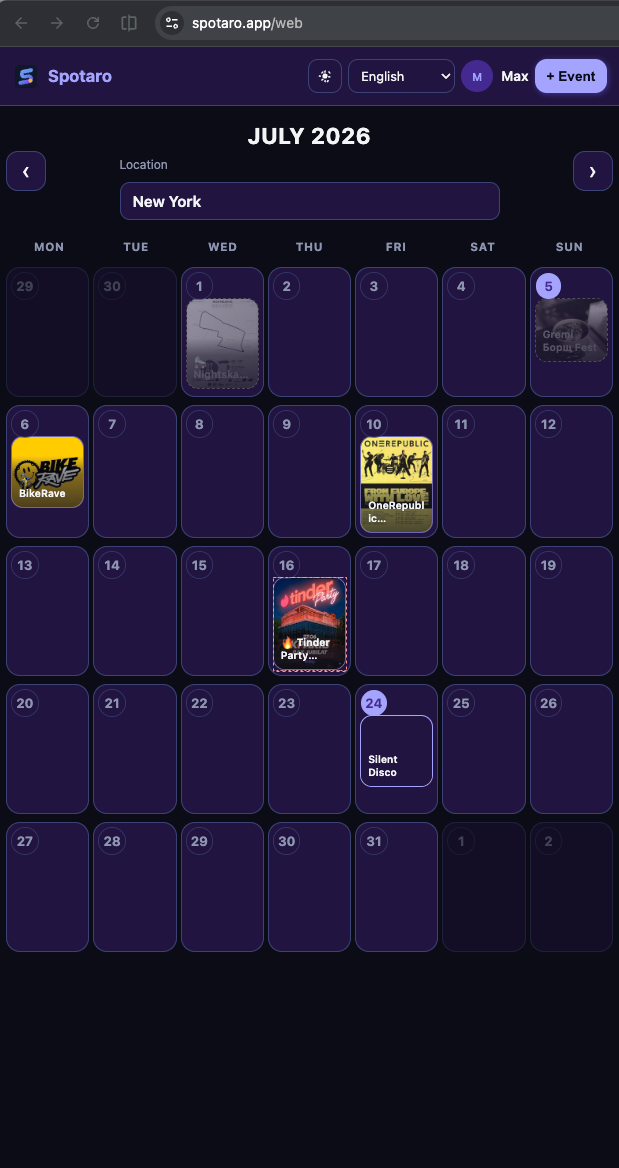
Spotaro Events calendar
Public Events calendar — pick a city and see what’s happening.
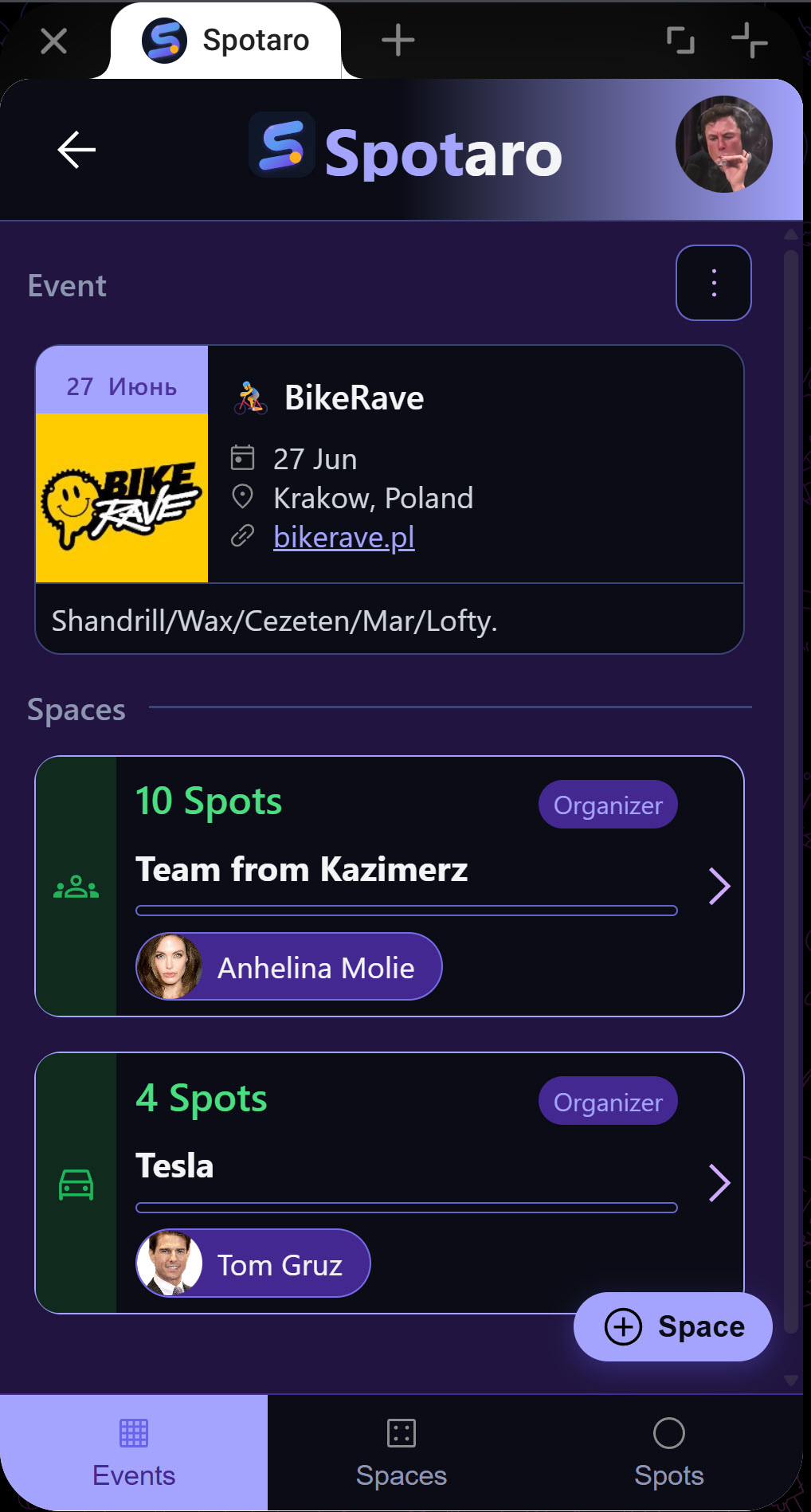
Spotaro Spaces
Cars, rooms, or groups — set capacity and let people request a Spot.
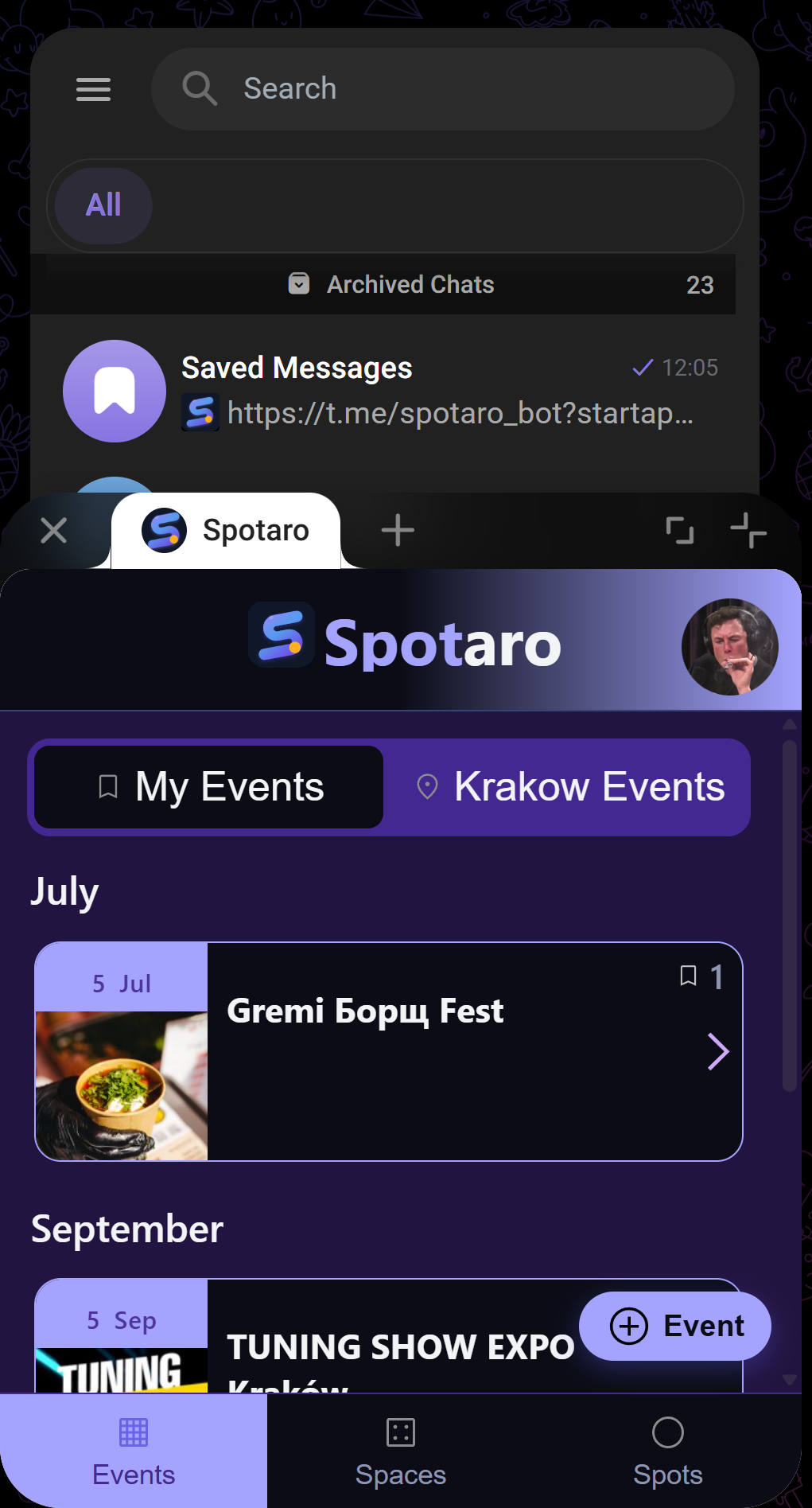
Spotaro in Telegram
Native Telegram integration — organize where your group already chats.

“Who’s driving?” · “Is there still a seat?” · “Can I share a room?”

Coordinating trips and group activities usually means endless chats, manual headcounts, and guessing who’s in. Spotaro turns that chaos into a live roster of Spots — so organizers manage people clearly, and everyone sees what’s available.

How it works

From idea to filled Spots in four steps

Use Spotaro on the web or in Telegram — same Events, Spaces, and approvals.

1

Create an Event

A trip, stay, competition, or any group activity. Add a name, date, and details.

2

Add Spaces

A car with seats, a room with beds, a team with slots, or anything custom — set the capacity.

3

People request a Spot

Share a link — anyone can ask to join a Space and claim their place.

4

Approve & go

Organizers approve or decline. Everyone stays updated automatically.

Features

Everything you need to coordinate a group

Organizer or joiner

Create a space and become its organizer, or request a spot in someone else’s. Roles are flexible per space.

Multiple space types

Car (seats, model, meeting point, departure), Room (spots, check-in/out), Team, or a custom Other.

Live spot lists

See filled spots, who’s confirmed, and how many places remain — updated in real time.

Request & approval flow

Request, approve, decline, or cancel — with a clear history of every decision.

Instant notifications

Organizers are pinged on new requests; requesters hear back the moment they’re approved or declined.

Shareable invite links

Share an event or a specific space in any chat — the link opens straight to the right place.

Public or private events

Keep an event invite-only, or open it up so people can add their own spaces.

Native Telegram integration

The killer extra: open Spotaro inside Telegram, log in with your Telegram profile, and get push-style updates where your group already is.

Web calendar & full app

Browse public Events on the calendar, then manage Spaces, Spots, and approvals in the full Spotaro app — no heavy install required.

Use cases

Made for anything with limited spots

Road trips & carpooling

Drivers post their cars and seats; passengers claim a spot. No more “is there room in your car?”

Group stays

Split hotel rooms or cabins by the number of available beds.

Competitions & teams

Fill team rosters with a set number of slots.

Any limited-capacity activity

Workshops, dinners, equipment sign-ups — anything with “only X spots.”

Ready to get organized?

Open the calendar, create your first Event, and fill Spots in minutes — on the web or in Telegram.

FAQ

Questions, answered

Do I need to install anything?

No. Use Spotaro in the browser, or open it as a Telegram Mini App — nothing to download.

Do I need to create an account?

Sign in with Telegram when you need to manage Events. Browsing the public calendar works without an account.

Can I organize and join at the same time?

Yes. You can create your own Space and request Spots in others within the same Event.

How do people join my Event?

Share an invite link — it opens the Event or Space on the web or in Telegram.

Who approves requests?

The person who created a Space approves or declines its requests.

Is it free?

Yes. There are fair-use limits on how many Events and Spaces you can create per week.